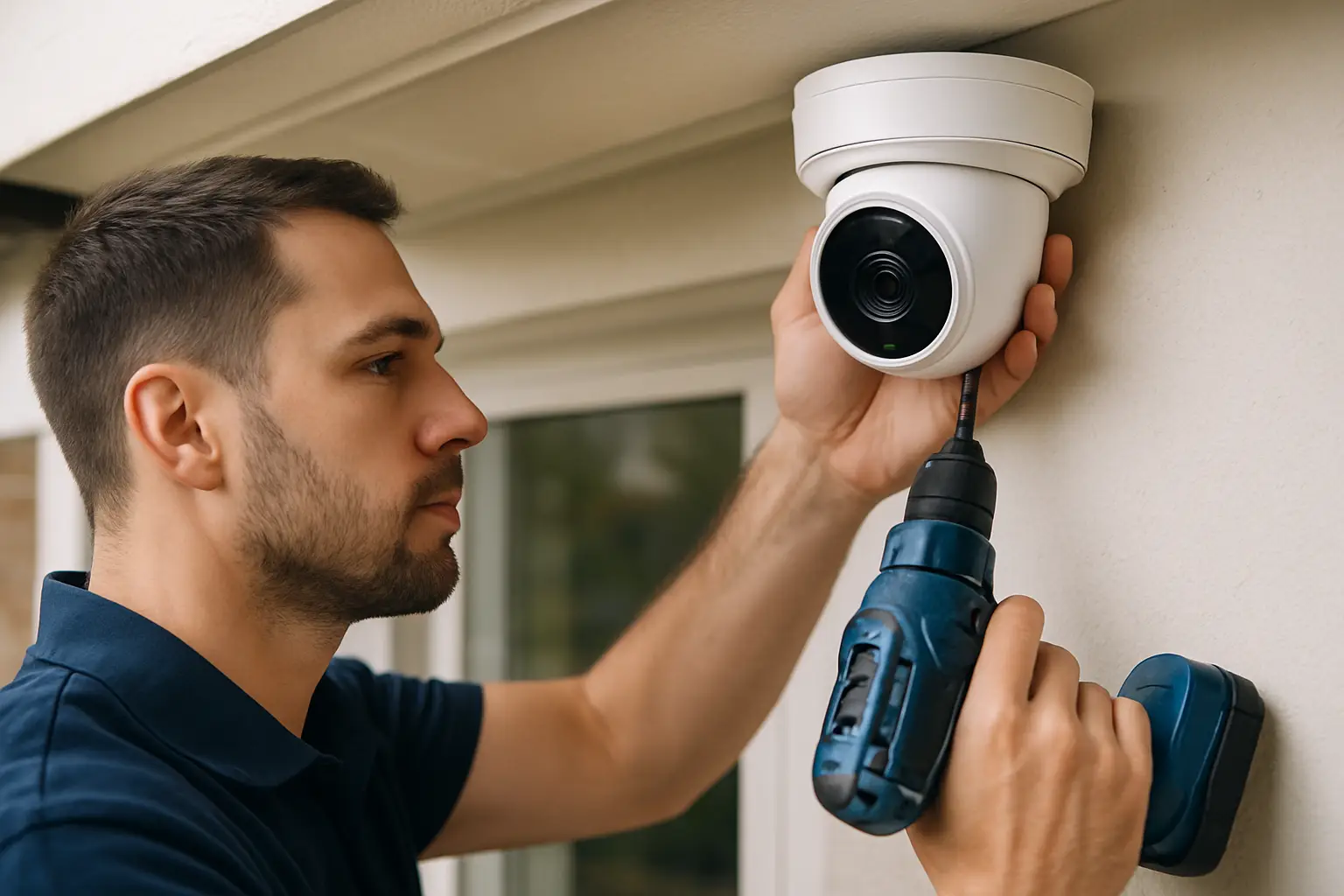
Most homeowners don’t call us because they want “more cameras.” They call after a package disappears, a car gets checked at 2 a.m., or a side gate keeps getting left open and nobody can prove who did it. That’s the moment 4K becomes less about specs and more about answers: clear faces, readable plates, and footage you can actually use.
4K camera installation for homes is a mix of smart planning, clean wiring, and realistic expectations about what cameras can and can’t do. Done right, it feels simple day to day: the system records reliably, you can pull up live view in seconds, and the coverage matches how your property is actually used.
Why 4K matters for residential security
4K is valuable because it gives you more detail per frame. That extra detail helps when the subject is small in the scene, like a person at the edge of a driveway or someone moving fast past a side yard. It also helps if you need to zoom in after the fact. With lower-resolution video, digital zoom often turns into a blocky guess.
The trade-off is that 4K footage is heavier. It uses more storage, needs a stronger recorder (typically an NVR), and benefits from a properly designed network and cabling. If the system is underbuilt, you can end up with choppy playback, short retention, or cameras that never quite look as sharp as the marketing photo.
Start with the property, not the camera count
A good design starts by walking the home like a visitor would. Where would someone approach? Where can they hide? Where do people naturally stop? That’s how you decide camera placement that produces usable video, not just “coverage.”
Front yards usually need a balance of a wide overview and a tighter view that captures faces. Driveways often need a specific angle for plates, which is different from the angle that looks good on a wide shot. Side yards and gates are typically about catching movement early, before someone reaches a back door or window.
If you’re planning 4K camera installation for homes in Sacramento, sun direction matters more than people expect. Cameras pointed toward a low afternoon sun can wash out faces. The right placement or a small angle change can save you from that frustration for years.
Camera placement that holds up in real life
The most common mistake we see is mounting cameras too high. Homeowners do it to avoid tampering, but it often creates a steep angle that turns faces into baseball caps and hairlines. In many cases, a slightly lower mount with a cleaner view is worth it, especially if the camera is tucked under an eave and not easy to reach.
Another mistake is relying on one wide camera to do two jobs. A single camera can show the driveway and part of the front yard, but if you want identification at the front porch, you may need a second camera that’s dedicated to that zone. Think of it like lighting in a room: one ceiling fixture is fine, but if you need to see details, you add targeted light.
Finally, don’t forget the “quiet” areas. Side gates, side doors, and backyard access points are where problems happen because they’re less visible from the street. A well-placed camera there often becomes the one you’re most thankful for.
Choosing the right 4K cameras for a home
Not all 4K cameras behave the same, even at the same resolution. Lens choice and low-light performance matter just as much as pixels.
A wider lens captures more area but makes subjects look smaller. A tighter lens makes subjects larger and clearer but covers less. Many homes do best with a mix: a wider view for general monitoring and a tighter view for identification at key choke points.
Night performance is another place where “it depends.” If you have good exterior lighting, most quality 4K cameras will look sharp. If you have dark side yards, you’ll want cameras with strong low-light sensors and well-tuned infrared. Even then, infrared can reflect off nearby walls or spider webs and create glare. Placement and lighting fixes are often the difference between “usable at night” and “looks great at night.”
NVR setup: where reliability comes from
For most residential 4K systems, an NVR is the right backbone. It records continuously, manages multiple cameras, and lets you review footage without relying on each camera to store video on its own.
When you’re sizing an NVR for 4K, focus on three practical questions: how many cameras now and later, how many days of footage you want to keep, and what recording mode you need. Continuous recording uses more storage but gives you a complete timeline. Motion-based recording saves storage but can miss the start of an event if motion settings aren’t dialed in.
Many homeowners aim for a retention window that fits their lifestyle. If you travel often, you may want more days saved. If you’re mainly worried about same-week incidents like deliveries or a driveway break-in, a shorter retention can be fine if the video quality is high and the system is stable.
Cabling and power: the part you only notice when it’s wrong
The cleanest way to run 4K cameras in a home is usually PoE (Power over Ethernet). One cable delivers both power and data, which reduces failure points and makes troubleshooting simpler.
Cabling quality and routing are where professional installs stand out. The goal isn’t just “hide the wire.” It’s to protect it from weather, keep it away from electrical interference, and route it so it can be serviced later without opening walls unnecessarily. A clean install also avoids obvious exterior runs that advertise where your system is vulnerable.
If your home has an older layout, long runs, or detached structures, planning becomes even more important. Sometimes you can run through an attic and drop into key walls. Other times you need a more creative path to keep everything protected and looking finished.
Network and remote viewing without the headaches
Remote access should feel boring. You open an app, you see your cameras, and it works.
To get there, you need a solid home network and a recorder configured correctly. Wi‑Fi is fine for phones and laptops, but most 4K security systems should be hardwired at the recorder. If your router is in a weak spot or your ISP equipment is unreliable, it can affect notifications and remote playback.
A practical approach is to keep the camera system on a dedicated network segment when possible, use strong passwords, and ensure firmware is current. The point is not to turn your home into a data center. It’s to reduce the common problems: cameras dropping offline, apps timing out, or the system becoming a target because it was left on default settings.
What a professional 4K installation looks like
A good install process is predictable. First comes a walkthrough and a plan that matches your property and concerns. Then the install itself: mounting cameras at the right heights, running cabling cleanly, labeling lines, and configuring the NVR so it records the way you expect.
After that, you should get a real handoff, not a quick “here’s the app.” That means testing playback, showing how to export clips, setting user permissions, and confirming notifications are useful rather than spammy. It also means answering the questions homeowners always have a week later, like “How do I find footage from Tuesday night?” or “Why does the driveway camera look different when it rains?”
If you’re in the Sacramento area and want a system designed around your layout instead of a one-size-fits-all kit, StaySafe365 focuses on clean 4K installs, reliable NVR setups, and making sure you’re confident using the system after we leave.
Cost, trade-offs, and how to think about value
Homeowners usually want a straight number, but pricing depends on the details that affect labor and long-term performance: how many cameras, how hard the cable runs are, whether you want to cover detached areas, and how much retention you need.
The most expensive system isn’t automatically the best for your home. The best value often comes from putting higher performance where it matters most - front approach, driveway identification, and primary access points - and using simpler coverage where you just need awareness.
Also consider what you’re really buying: not just cameras, but fewer blind spots, faster answers when something happens, and video that holds up when you need it. If you’ve ever tried to identify someone from a blurry clip, you already know how quickly a “cheap” system stops feeling cheap.
A quick reality check: what 4K can’t do
Even a well-installed 4K system won’t see through darkness without some light or infrared. It can’t magically read plates at highway speeds or through heavy glare. And it can’t compensate for a camera aimed at the wrong spot.
That’s why planning and placement matter as much as resolution. 4K is a tool. The results come from how it’s used.
If you’re considering 4K camera installation for your home, think less about the spec sheet and more about the moments you want clarity - the front door interaction, the driveway at night, the side gate that shouldn’t be opening. When you build the system around those moments, the footage stops being “video” and starts being peace of mind you can actually rely on.