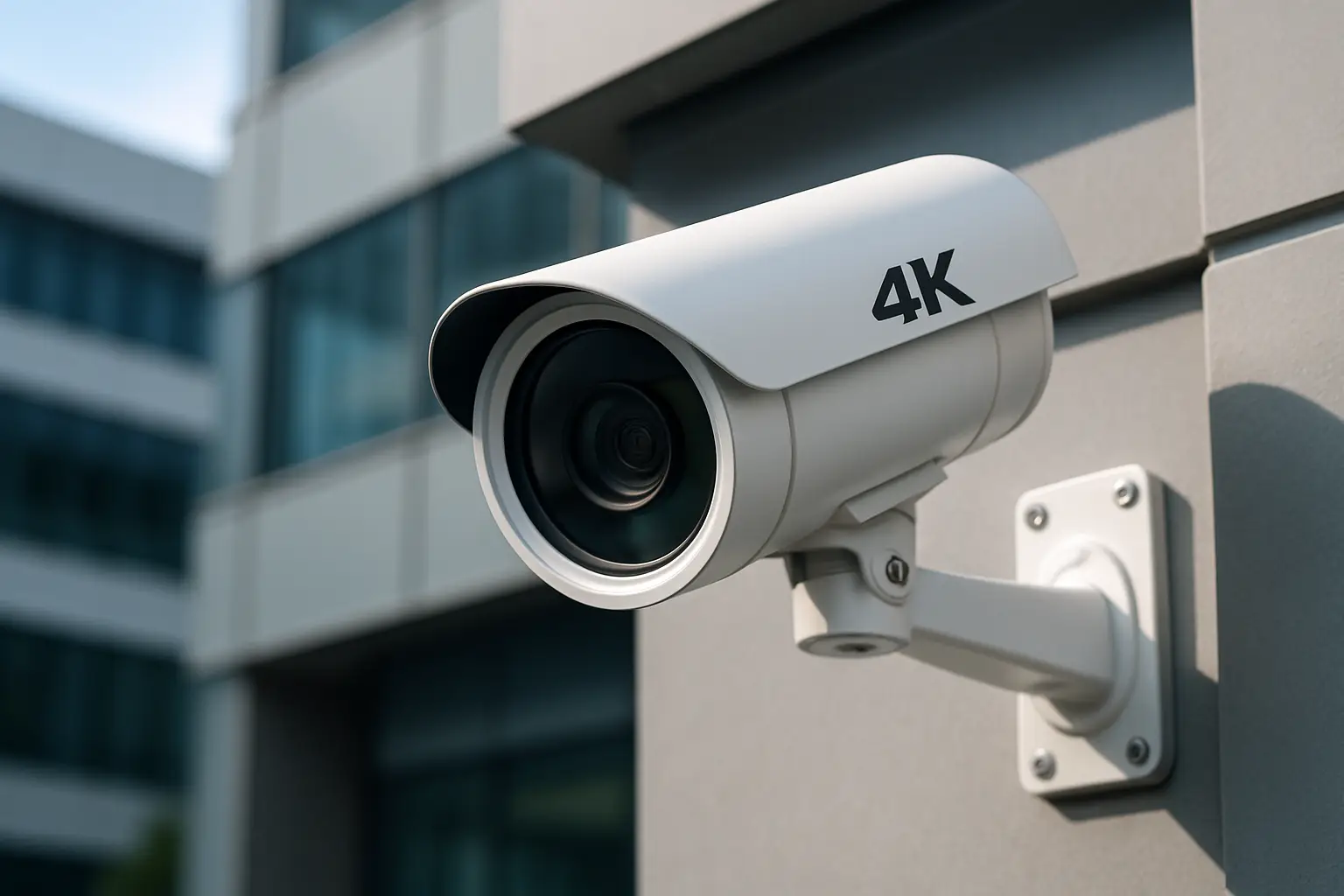
That blurry clip where you can’t tell if it’s a package thief or your neighbor matters for one reason: when you need video, you usually need it fast, and you need it to hold up.
A 4K security camera system can be the difference between seeing “a person in a hoodie” and seeing a face, a logo on a hat, or a license plate that’s actually readable. But 4K isn’t magic. The best systems succeed because the whole setup is right - camera placement, lens choice, night performance, recording settings, storage, and a remote viewing experience you’ll actually use.
Below is a practical 4K security camera system review focused on what makes a system worth buying and worth installing, especially for homes, small businesses, and property managers around Sacramento.
4K security camera system review: what 4K really gives you
“4K” typically means 8MP resolution. On paper, it’s a big jump from 1080p. In real life, the jump is most valuable in two situations: when you need to digitally zoom in after the fact, and when you’re trying to cover a wide area (like a driveway, front yard, parking lot, or warehouse aisle) without turning the scene into a pixelated mess.
The trade-off is that higher resolution demands more from everything else. You need decent lighting or strong low-light performance, the right bitrate settings, and enough storage to keep recordings long enough to be useful. If any of those are weak, 4K can still look disappointingly soft, especially at night.
The decision that matters more than brand: NVR vs. cloud-first kits
Most serious 4K setups we see fall into two camps: an NVR-based system (wired cameras recording locally) or a cloud-first Wi‑Fi kit (cameras uploading clips online).
For many Sacramento homes, cloud cameras can work if you only need a couple of views and you’re okay with motion clips. For businesses, multi-tenant properties, or anyone who wants continuous recording, an NVR system is usually the better fit. Local recording keeps you in control of your footage, avoids monthly fees for basic functionality, and doesn’t depend on your internet staying perfect.
Wi‑Fi 4K cameras also run into a practical limit: 4K video needs a stable connection. When Wi‑Fi gets congested, cameras compensate by dropping quality, skipping frames, or delaying notifications. That’s not a dealbreaker for every property, but it’s something to be honest about.
What separates a good 4K camera from a “4K” camera
Resolution is only one spec, and it’s not the one that decides whether you can identify someone at 2:00 a.m. The big separators are the lens, the sensor, and how the camera handles low light.
A wider lens (say 2.8mm) covers more area, but faces get smaller faster. A tighter lens (like 4mm or 6mm) narrows the view and increases detail on targets farther away. This is why “one camera for everything” usually disappoints. A front door camera wants a different lens than a camera watching a side yard gate or a parking aisle.
Low-light performance is where marketing gets loud and real results get quiet. Look for realistic night examples, not just daytime screenshots. True full-color night modes can be great in the right conditions, but they often rely on some ambient light. In darker areas, strong infrared with good exposure control matters more than “color night” claims.
Night vision: the most common reason people regret their system
If you’re comparing systems, put night performance at the top of your list. Many incidents happen in the evening, and Sacramento neighborhoods can vary widely in street lighting.
Here’s the practical truth: the wider the scene and the darker the area, the harder it is to get crisp identification. If you want faces at a driveway gate or license plates at a parking entrance, you may need a camera dedicated to that task with the right angle, the right height, and sometimes an added light source.
Also, watch for glare. If a camera is aimed too close to a wall, soffit, or reflective surface, IR light can bounce back and wash out the image. This is an installation issue, not a camera issue, and it’s fixable - but only if someone is paying attention during placement.
Storage and recording settings: where “4K” can quietly get downgraded
A lot of systems advertise 4K, then record at settings that don’t fully deliver. The usual culprits are low bitrate, aggressive compression, or a reduced frame rate. None of those are automatically bad - they’re tools to balance quality with storage - but you should know what you’re getting.
For homes, 15 fps can be perfectly usable if the bitrate is healthy and the scene isn’t high-speed. For businesses with foot traffic or transactions, smoother motion can help. The bigger point is retention. If your NVR only stores three days of footage, it doesn’t matter how sharp it is if you discover the issue a week later.
A practical approach is to decide how many days you want to keep (often 10-30 days for many businesses, sometimes less for homes), then size the hard drives accordingly. You can also mix recording modes - continuous recording on key cameras and motion-based recording on low-activity areas - to stretch storage without sacrificing coverage.
Remote viewing: the system you’ll actually use is the one that’s set up right
Most people don’t want a “security app.” They want to pull up a live view quickly, find last night’s clip without fighting menus, and share video when needed.
When you’re evaluating a 4K system, pay attention to three things:
First, how fast the app loads live video on cellular data. Second, whether playback scrubbing is smooth or painfully slow. Third, whether notifications are useful or just constant noise.
Good remote access is also about setup. If the system relies on complicated port forwarding or brittle network settings, it can work today and break after the next router change. A clean, stable remote configuration is part of the value of a professionally installed system, especially for business owners who don’t want to be their own IT department.
Camera count and coverage: more cameras isn’t automatically better
A common mistake is buying an 8-camera kit because it looks like a deal, then placing cameras where they’re easy to mount instead of where they’re needed.
Start with your risks and your layout. Most homes benefit from strong coverage of entry points, driveway, side yard access, and any detached structures. Small businesses often need coverage of entrances, point of sale, high-value inventory areas, and parking approaches.
Sometimes four well-placed 4K cameras outperform eight poorly aimed ones. Coverage is about angles, mounting height, and avoiding backlighting. If a camera is pointed into the sunrise or toward bright headlights, you may get silhouettes instead of faces unless the camera’s dynamic range is strong and the placement is smart.
Wired PoE systems: why they’re still the go-to for reliability
For a true multi-camera 4K setup, Power over Ethernet (PoE) is still the workhorse. One cable provides power and data, the connection is stable, and you don’t rely on Wi‑Fi in the places you care about most.
The trade-off is installation effort. Running cable through attics, walls, or conduit takes planning, and it’s where clean workmanship matters. But the result is a system that’s predictable: cameras stay online, video quality stays consistent, and you can scale later without guessing whether your Wi‑Fi can handle it.
Wi‑Fi cameras can still make sense for a tough-to-wire location or a temporary need, but for most permanent security coverage, wired is the calmer choice.
What “good value” looks like in a 4K system
Value isn’t the lowest price. Value is the system that produces usable evidence and doesn’t create daily friction.
A good 4K system usually includes an NVR that’s sized for your camera count and recording goals, cameras matched to each viewing distance, and a setup that’s easy for you or your staff to use. It also includes the unglamorous details: properly sealed exterior connections, tidy cable routing, correct camera heights, and angles that avoid glare and motion blur.
If you’re comparing quotes or kits, ask simple, practical questions: How many days of recording will I get with these settings? Which cameras are meant for identification versus general coverage? What happens when the internet is out? Can I export video quickly when I need it?
When professional design makes the biggest difference
If your property is straightforward, you can sometimes do well with a basic kit and careful placement. But the moment you have a long driveway, a deep lot, a multi-tenant building, or a business where coverage affects liability, design starts to matter as much as the hardware.
The best results come from planning cameras around the way people actually move through the space. That includes choosing the right lens for the distance, keeping faces in-frame rather than tops of heads, and using overlapping views where it counts.
That’s the approach we use at StaySafe365 - custom layouts first, equipment second, and then ongoing support so you’re not stuck with a system you don’t feel confident using.
A quick reality check before you buy
If you want a system that helps police identify someone, plan for identification shots at entry points and choke points, not just wide overview shots. If you want license plates, be prepared for a dedicated camera position and realistic expectations about speed, angle, and lighting. And if you want fewer headaches, prioritize wired recording, adequate storage, and an app experience you can test during the return window.
The most reassuring part of a 4K system isn’t the spec sheet. It’s the first time something happens and you can pull up clear video without wrestling your setup - because that’s when security stops being a project and starts being a tool you trust.