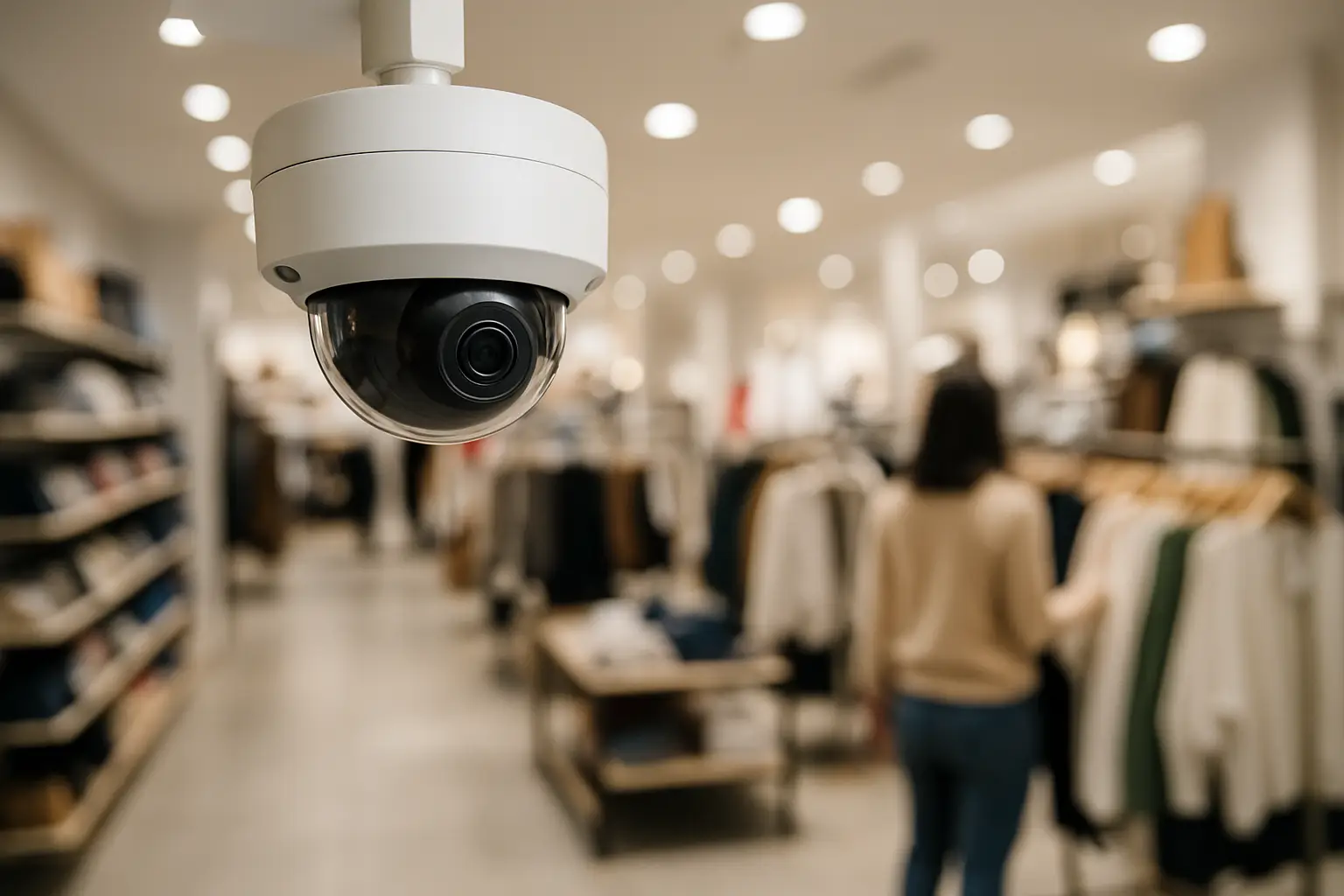
The fastest way to waste money on cameras is to buy “a kit” before you understand your store’s blind spots. Retail theft rarely happens in the middle of an aisle with perfect lighting and a clear view. It happens at the register during a rush, at the endcap that’s just out of sight, or near a back door that employees use all day. The best systems aren’t defined by a brand name on a box - they’re defined by coverage that matches how your store actually operates.
What “best” means in a retail CCTV setup
For retail stores, “best” usually means three things at the same time: you can identify a face when it matters, you can reconstruct what happened without gaps, and you can use the system without becoming your own IT department.
Identification is the hard part. Plenty of systems capture motion. Far fewer reliably capture details like facial features at the entrance or a hand-off at the counter. That’s why retail CCTV should be designed around specific zones, not just general room coverage.
Reliability matters just as much. If a camera is down, the time is wrong, or footage is overwritten too quickly, you don’t have a security system - you have a false sense of security.
And usability is non-negotiable. If reviewing footage feels complicated, it won’t happen until after an incident. A good system makes it easy to pull clips, export video, and check live views from your phone without constant troubleshooting.
Best CCTV setup for retail stores starts with zones
Before choosing cameras, map the store into “zones” based on risk and activity. This is how professionals avoid overbuying cameras in low-value areas while under-covering the spots that actually drive shrink.
Zone 1: Entrances and exits (ID matters)
Your entrance is where you get your best chance at a usable face shot. Plan for a dedicated camera that’s close enough and aimed correctly - not a wide-angle camera 30 feet away trying to do everything.
Pay attention to backlighting. A door with bright daylight behind it can turn people into silhouettes. In those cases, placement and camera settings matter as much as resolution.
Zone 2: Point of sale (transactions and disputes)
The register area needs coverage that shows hands, cash drawer access, and customer interactions. A common mistake is mounting a camera too high and too far back, so you see the top of everyone’s head and not the transaction.
For many stores, two angles work best: one that captures the customer-facing interaction and one that captures the employee side and cash handling. If you only pick one, prioritize the view that shows the drawer and the counter.
Zone 3: High-theft aisles and endcaps (behavior matters)
These areas benefit from clear, consistent coverage rather than dramatic zoom. You want to track movement and behavior patterns across an aisle, and you want the video to remain usable even with changing lighting from cooler doors or window glare.
Zone 4: Stockroom and receiving (internal accountability)
A stockroom camera is less about catching a stranger and more about documenting access, deliveries, and internal issues. Cover the door, the receiving area, and any cage or locked storage. If there’s a safe, cover the approach and the safe area - not the combination.
Zone 5: Perimeter and parking (context and deterrence)
Outdoor cameras help establish timelines, vehicle descriptions, and entry points. For retail, the goal is often context: when someone arrived, which door they approached, and whether they left with others.
Camera choices that actually change results
Most retail owners start with resolution and stop there. Resolution matters, but only when paired with the right lens, placement, and lighting.
4K vs 1080p: when to use each
4K is worth it when you need identification or fine detail - entrances, registers, and any area where you might need to zoom in during playback. It also gives you flexibility if you can’t mount the camera as close as you’d like.
1080p can still make sense in low-risk areas or places where you just need general coverage, like a back hallway. It also reduces storage needs. The trade-off is that zooming in during playback can get pixelated fast.
If you’re trying to build the best CCTV setup for retail stores, a common “sweet spot” is 4K in the critical zones and 1080p elsewhere. That approach keeps quality high where it counts without inflating storage and equipment costs across the whole building.
Turrets, domes, and bullets: pick based on the environment
Turret cameras are popular indoors because they handle reflections better than domes and are easier to aim precisely. Domes can look cleaner and discourage tampering, but in some lighting they can create glare.
Bullet cameras are common outdoors because they’re easy to point down a line, like along a side yard or toward a loading area. The key is not the shape - it’s whether the camera can be aimed and serviced without becoming a constant maintenance project.
Low light and WDR: the difference between usable and useless
Retail stores have tricky lighting: bright windows, darker aisles, and mixed light temperatures. Look for strong wide dynamic range (WDR) to handle backlit entrances and scenes with bright and dark areas in the same frame.
For after-hours recording, infrared can help, but don’t assume IR will solve everything. If you need clear identification at night outside the store, sometimes a dedicated white light or better placement is the real fix.
NVR and storage: design for how long you want footage
A reliable NVR-based system is still the standard for retail when you want consistent recording, predictable storage, and better control. Cloud can be useful, but many stores prefer local recording for cost and speed, especially with multiple 4K cameras.
Start with two questions: how many cameras will you have, and how many days of retention do you need? Many retail operators aim for 14 to 30 days. Higher resolution, more cameras, and higher frame rates reduce retention unless storage increases.
Frame rate is another hidden lever. You don’t always need maximum FPS everywhere. Registers and entrances benefit from smoother video. A quiet storage room might not.
Also plan for future growth. If you think you may add cameras later, choose an NVR with extra channels and enough drive capacity options so you don’t have to replace the recorder just to expand.
Remote access without headaches
Remote viewing is one of the most valuable parts of a modern CCTV system - as long as it’s set up correctly. You want encrypted access, strong passwords, and an app that’s stable.
Avoid the common trap of sharing logins with everyone. If multiple managers need access, set up separate users with appropriate permissions. That way, you can remove access cleanly when staffing changes.
And make sure the system time is correct and stays correct. Accurate timestamps are what make footage useful during an investigation or when matching video to receipts.
Installation details that decide whether the system performs
The best camera on paper can still produce bad video if it’s installed poorly. Retail environments are busy, so clean installation is not cosmetic - it’s about reliability.
Camera height matters. Too high and you lose faces. Too low and you invite tampering. Cable quality and routing matter too. A system with exposed or loosely run wiring is more likely to get damaged, unplugged, or “accidentally” bumped.
Network stability is another big one, especially with IP cameras. A properly sized PoE switch, clean terminations, and an organized layout prevent the random dropouts that frustrate owners and leave gaps in recording.
If you’re in the Sacramento area and want a system designed around your exact floor plan rather than a generic kit, StaySafe365 installs and supports retail surveillance with a focus on clean wiring, 4K coverage where it matters, and straightforward training so you can actually use what you own.
What to prioritize when budget is tight
If you can’t do everything at once, prioritize identification and evidence.
Start with a dedicated entrance camera that’s aimed for faces and a register camera that clearly shows transactions and the drawer area. Then add coverage for high-theft aisles and the back door. After that, fill in general coverage and exterior context.
It’s also usually better to buy fewer, better-placed cameras than to scatter many low-quality cameras that don’t identify anyone. One clear clip often beats five vague angles.
Common mistakes that make retail CCTV less effective
The biggest mistake is relying on wide-angle cameras for every area. Wide angles are great for seeing a room, but they’re not great for identifying a person unless they’re close to the lens.
Another common issue is ignoring lighting. A camera pointed at a bright window will underperform no matter how high the resolution is. The fix might be a different angle, a different camera feature set, or adjusting the scene so the camera can expose correctly.
Finally, many stores underestimate storage needs. If footage overwrites in a few days, you may not even know an incident happened until the video is gone.
A simple way to sanity-check your plan
After your layout is drafted, do a “walkthrough in your head” like you’re investigating an incident. If something happens at the register, can you see the customer’s face and the employee’s hands? If someone enters, can you capture a usable face shot before they’re under a hat brim or looking down? If a door opens after hours, do you see the door, the person, and where they went next?
If your answers rely on “maybe” or “we can zoom in later,” that’s the moment to adjust placement, add a dedicated angle, or upgrade a key camera to 4K.
The goal isn’t to blanket your store with hardware. It’s to create a system that gives you clarity when you need it, day after day - and makes it easy to act on what you see.