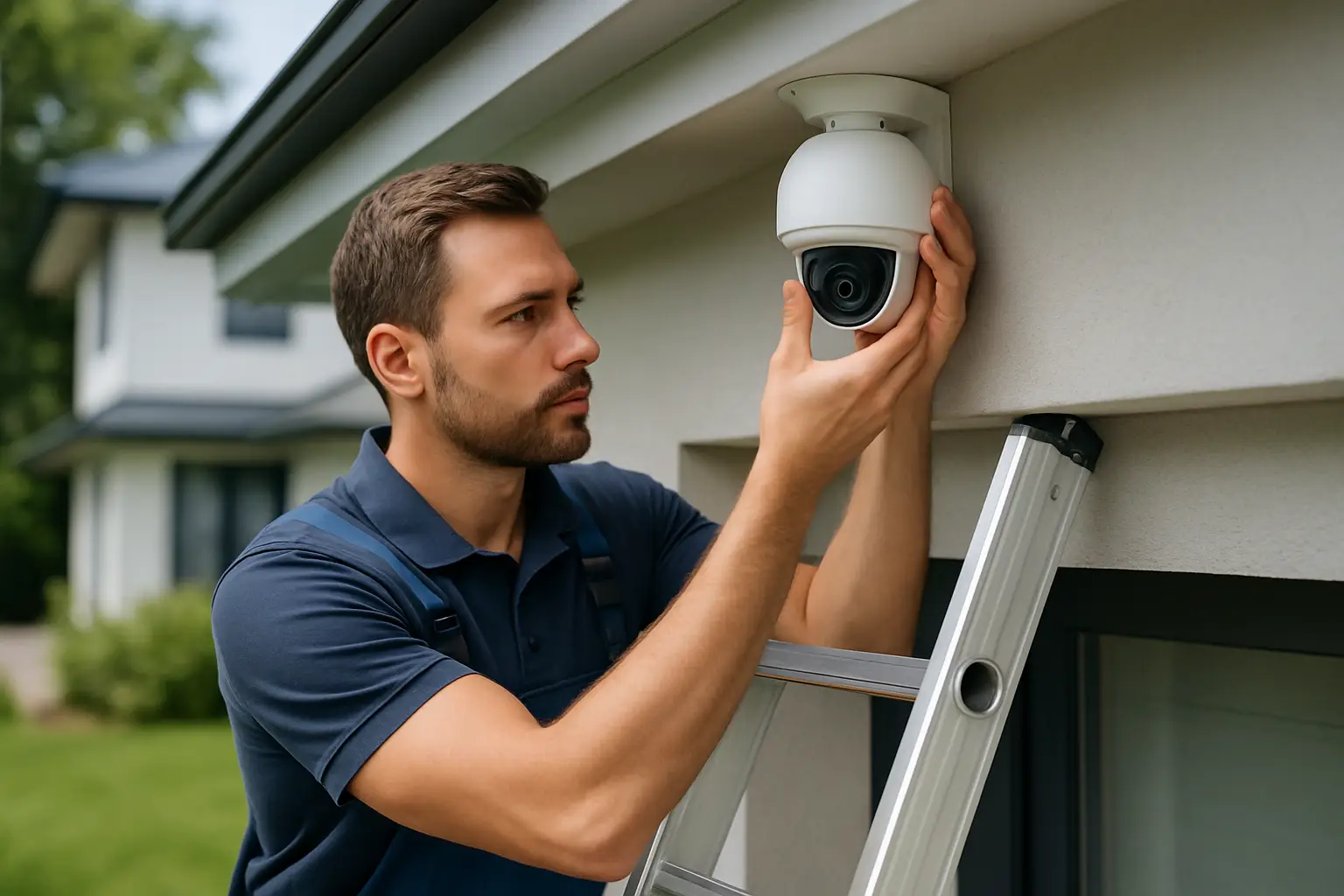
A security system usually fails in one of two ways: it records the wrong thing, or it records the right thing but you cannot use the footage when it matters. That is rarely a “bad camera” problem. It is almost always an installation and setup problem - placement, lighting, network reliability, or a recorder that is not configured for real-world use.
Below are best practices for home security installations that we use to help Sacramento-area homeowners get coverage they can trust without turning their home into a tangle of cables and confusing settings.
Start with the outcome, not the equipment
Most people begin by shopping for cameras. A better starting point is deciding what you need the system to do on your property.
If you are trying to stop package theft, you need a face-friendly angle at the front approach and enough detail to identify what happened before the person reaches your door. If your concern is vehicle break-ins, you need plates and activity coverage at the driveway edge, plus lighting that supports night detail. If you want general awareness, you may prioritize wide coverage over close-up identification.
This is also where trade-offs show up. Wide-angle views reduce blind spots but make faces and plates smaller. Tight views capture detail but can miss context. The right design usually combines both: a wide camera for scene coverage and a tighter camera for identification at key choke points.
Map your property like a professional would
Walk the perimeter and the interior entry points with your phone camera. Take photos from corners, overhangs, and likely mounting spots. You are looking for three things: natural lines of travel, hiding spots, and the places where people pause.
Lines of travel are sidewalks, side yards, gates, driveways, and paths from the street to your door. Hiding spots are alcoves, tall shrubs, and side returns that are not visible from windows. Pause points are doorways, porches, garages, and gates where someone has to stop to open, close, or climb.
When you design around behavior, camera placement becomes more obvious. You are not “covering the yard.” You are covering the gate latch, the porch steps, the driveway entrance, and the side door.
Camera placement: height, angle, and distance matter more than megapixels
High-resolution cameras help, especially 4K, but placement determines whether that resolution turns into usable detail.
Mounting height is the most common mistake. If a camera is too high, you get the top of heads and very little facial detail. Too low, and it is easier to tamper with. For most homes, a sweet spot is often in the 8 to 10 foot range at entry points, adjusted for your eaves and sightlines.
Angle matters just as much. A camera pointed straight down can show motion, but it rarely captures faces. A camera that sees people approaching from the side, with a slight downward tilt, usually gives better identification because you see a face longer.
Distance is the quiet killer of video quality. If you want identification, do not expect a single camera mounted above the garage to clearly identify someone at the sidewalk. Use one camera for the driveway overview and another positioned closer to where people enter the property.
Avoid these placement traps
If you place a camera where it looks through glass at night, reflections and glare will ruin footage. If you aim a camera into a bright light source, like a porch light or morning sun, you may get silhouettes instead of faces. If you place cameras under deep overhangs without considering shadows, daytime footage can look fine while nighttime detail collapses.
Plan lighting and night coverage early
Most incidents happen in low light. Night performance is not magic; it is the result of thoughtful lighting and realistic expectations.
Infrared (IR) night vision can be excellent, but it has limits. IR can reflect off nearby walls, gutters, and light-colored surfaces, causing overexposure. It can also wash out faces if the subject is too close to the camera. In tight spaces like porches, you often get better results by adding a small amount of white light and letting the camera capture full color at night.
Motion lighting helps, but only when it is positioned so it illuminates faces rather than blasting the camera. If you use motion lights, test at night from the camera’s view, not from where you stand.
Choose the right architecture: local recording beats “cloud only” for most homes
For many homeowners, the most dependable setup is a local NVR (network video recorder) with hard drives on site. Local recording is less dependent on internet stability, and it keeps recording even when your Wi-Fi is having a bad day.
Cloud storage has a place, especially when you want off-site redundancy, but it can be limited by upload bandwidth and subscription costs. In Sacramento neighborhoods where internet speeds vary block to block, cloud-only systems can degrade quickly when multiple devices are competing for bandwidth.
A practical middle ground is local recording for reliability, paired with remote access for convenience. You get full-quality video stored on your recorder and the ability to check cameras from your phone.
Wiring and power: clean installs are reliable installs
If you want a system you can count on, treat wiring like part of the security, not an afterthought.
Hardwired PoE (Power over Ethernet) cameras are usually the most stable option because one cable provides power and data. That single detail eliminates a lot of common problems: weak Wi-Fi signal at the far corner of the property, cameras dropping offline, and having to juggle separate power outlets.
If you do use Wi-Fi cameras, place them only where you can confirm strong signal in real conditions, not just standing near the router. Walls, appliances, and exterior materials all reduce signal. Also, remember that Wi-Fi cameras still need power unless they are battery models, and batteries introduce ongoing maintenance and missed recording when a battery dies.
For any installation, protect cables from weather and tampering. Use proper exterior-rated cable where needed, keep runs neat, and avoid leaving exposed lines that can be cut. Good cable management also makes future service faster and less expensive.
Network setup: keep remote access simple and secure
Remote access should be easy to use, but it cannot be an afterthought. The best system is the one you can confidently log into when something happens.
Start with strong, unique passwords on the recorder and camera system. If your system supports it, enable two-factor authentication for the mobile app. Keep firmware updated, especially for the recorder.
It also helps to be realistic about your home network. If you have dead zones inside your home, your camera system may work perfectly but your phone will struggle to load video over Wi-Fi in certain rooms. A basic network tune-up - better router placement or adding a mesh unit - can make remote viewing feel instant instead of frustrating.
Recorder settings: dial them in for real footage, not marketing demos
Out-of-the-box settings are rarely optimized for your property.
Resolution is only one piece. Frame rate, bitrate, and compression settings determine how clear movement looks. If you want to see quick action at a gate or driveway, you may need higher frame rates. If you want longer storage retention, you may balance bitrate and motion recording settings.
Motion detection is another area where good setup matters. If your system triggers nonstop because of trees, shadows, or passing cars, you will stop checking alerts - and that defeats the point. Use motion zones to exclude busy streets, and adjust sensitivity so you are alerted by people, not by every moving branch.
Privacy and compliance: be a good neighbor while staying protected
Cameras should protect your property without creating unnecessary privacy issues.
Aim cameras to focus on your entrances, your driveway, and your yard, not directly into a neighbor’s windows or private spaces. If audio recording is enabled, understand that laws vary and expectations matter. When in doubt, disable audio at exterior cameras or use clear signage where appropriate.
This is also about trust. A well-designed system can cover what you need while minimizing conflict, and careful camera angles can solve most concerns.
Test your system like an incident already happened
After installation, do not just check that the cameras “work.” Test them the way you will use them.
Walk up to your front door at night wearing a hat. Can you see your face? Walk across the driveway and look for blur. Open the side gate and see whether the camera captures the moment someone pauses at the latch. Then pull up the footage on your phone and on the recorder, and confirm you can export a clip.
If something is not clear, adjust the angle or add a dedicated identification camera. Small changes in angle and distance often improve results more than changing equipment.
Maintenance: the best systems stay good because someone checks them
Even great installations need light upkeep.
Clean lenses a few times a year, especially after pollen season and before winter storms. Check that trees or new plants have not grown into the camera’s view. Confirm the time and date are correct. Once in a while, verify the recorder is actually storing video and that you can pull footage for a specific time.
If your storage retention is shorter than you expected, it might be because motion settings are too sensitive or the system is recording at a higher bitrate than necessary for your goals. Adjusting settings can often extend retention without sacrificing clarity where it matters.
When to bring in a pro
Some homeowners enjoy DIY, and simple systems can work well. But if you want full-property coverage, clean wiring, reliable recording, and a setup that fits your layout, professional design is usually worth it. Complex roofs, long cable runs, mixed lighting, and tricky sightlines are where experience shows.
If you want a system designed around your actual property - not a generic kit - a local team like StaySafe365 can map coverage, install cleanly, configure the NVR for usable footage, and make sure you feel comfortable using remote access day to day.
A good security installation should fade into the background until you need it. If you can trust that it will capture the right angle, at the right time, with footage you can actually use, you will think about your cameras less - and feel safer more often.