You only find out whether your recording setup is “good enough” when something goes wrong - a car break-in on the street, a package theft, a tenant dispute, or an after-hours incident at a shop. In that moment, the question is simple: do you have clear video, and can you pull it up fast?
That is why the NVR vs cloud recording comparison matters. Both can work well, but they behave very differently under real-world conditions like spotty internet, power outages, and the need to keep weeks of footage. Below is a practical, plain-English way to decide what fits your home or business in the Sacramento area.
NVR vs cloud recording comparison: what you are really choosing
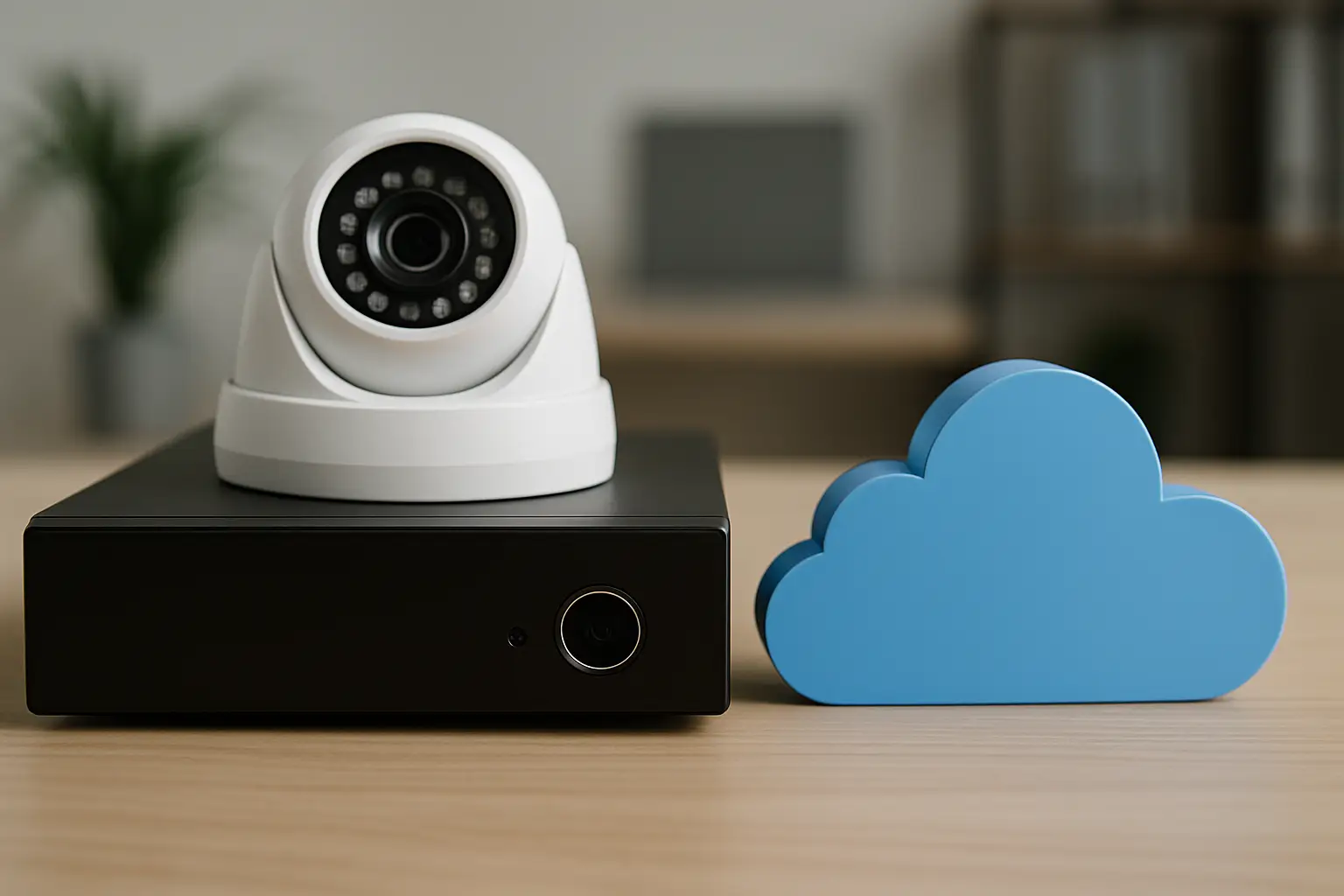
An NVR (Network Video Recorder) is a local recorder that sits on-site (often in a closet, office, or network rack). Your cameras send video to the NVR over your network, and the NVR stores it on hard drives.
Cloud recording stores video in an online account managed by a service provider. Cameras send video out through your internet connection to the cloud, and you log in to view or export clips.
At a high level, the choice is local control and local storage (NVR) versus off-site storage and subscription-based convenience (cloud). The best fit depends on how much video you need, how reliable your internet is, and how critical it is to keep recording during outages.
Video quality and retention: where the math shows up
Homeowners often start with a simple goal: “I want clear video.” Business owners usually add: “I want enough history to actually be useful.” That is where storage and retention become the deciding factors.
With an NVR, you can typically record continuously at high resolution, including 4K, without worrying that your internet upload speed will become the bottleneck. Your retention depends on hard drive size, recording settings, and number of cameras. If you want 14 to 30 days of 24/7 recording across multiple cameras, an NVR is usually the more predictable path.
With cloud recording, retention is tied to the plan you pay for and the bandwidth you can sustain. Many cloud setups default to motion-based recording to keep data manageable. Motion recording can be excellent when it is tuned correctly, but it can also miss context. For example, you might capture the moment someone opens a gate but miss what happened 20 seconds before that.
If you need continuous recording for compliance, liability protection, or high-traffic areas like parking lots and storefronts, NVR systems tend to deliver that more consistently.
Internet dependence: the biggest real-world divider
Cloud recording lives and dies by your internet upload. Sacramento neighborhoods and business corridors vary a lot - some have strong fiber options, others rely on cable that can slow down during peak hours.
If your internet drops, a cloud-only camera may stop recording altogether, or it may record locally for a short time (depending on the model) and then upload later. That gap can be the difference between having usable evidence and having a frustrating timeline.
An NVR does not need the internet to keep recording. Remote viewing does require internet, but the actual recording continues even if your provider is down. For many small businesses, that separation is the point: you can still capture video during an outage and review it once service returns.
A practical way to think about it is this: if your top priority is “record no matter what,” local recording is hard to beat. If your top priority is “view from anywhere with minimal on-site equipment,” cloud is attractive - as long as your connection is solid.
Reliability during power issues and tampering
Power outages happen. So do “accidents” where someone unplugs equipment, flips a breaker, or damages a cable.
With an NVR system, you can protect recording by placing the recorder in a secure location and adding a UPS (battery backup) sized for your network gear and NVR. That can keep cameras and recording online during short outages and allow a controlled shutdown during longer ones.
Cloud recording is also affected by power - your cameras and router still need electricity. A UPS helps here too, but if the internet provider is down in the area, cloud recording may still be interrupted even if your equipment has power.
On the tampering side, cloud has one clear advantage: if someone steals the camera, the video that already uploaded is still available off-site. With NVRs, you can mitigate that risk by installing the recorder out of sight (not next to a front desk) and locking it up. In many commercial installs, the NVR is treated like any other critical asset: secured, labeled, and protected.
Ongoing costs: subscription vs ownership
Cloud recording usually means a monthly or annual fee per camera, per site, or per account tier. Over a few years, those fees can surpass the cost of an on-site recorder.
NVRs are typically a higher upfront investment, especially if you want larger drives for longer retention, but there is often no mandatory recurring recording fee. You may still have optional service plans for support, extended warranties, or remote management, but the core storage is yours.
For homeowners, cloud fees can feel reasonable when there are only a couple cameras. For businesses with 8, 16, or 32 cameras, subscriptions can become a meaningful operating expense. If you are managing multiple properties, that expense multiplies fast.
Privacy, control, and access for teams
Both options can be secure when set up correctly, but they give you different kinds of control.
With an NVR, your footage is stored on your property. That appeals to owners who want to minimize third-party dependence and keep sensitive video in-house. It also makes it easier to define who can physically access the recorder.
Cloud platforms are designed for easy sharing and multi-user access, which can be helpful for property managers and business owners who need staff to review video. The trade-off is that you are trusting the provider’s account security model and their storage practices.
No matter which direction you choose, access control matters. Unique logins, strong passwords, and limiting admin privileges are not “IT extras” - they are part of a responsible security setup.
Remote viewing: both can be simple if installed right
Most people assume cloud is the only way to get reliable remote access. In reality, modern NVR systems can provide smooth mobile and desktop viewing without storing your video in the cloud.
The key is clean networking: stable cabling, correct configuration, and a secure way for the NVR to connect for remote viewing. When this is done correctly, the day-to-day experience can be very similar. You open an app, see live views, search playback, and export clips.
If remote access is your top concern, do not just ask “NVR or cloud?” Ask “How will this be set up so it stays easy to use?” A system that looks great on paper but is confusing in the app does not help when you are trying to pull footage quickly.
Hybrid setups: often the best answer for businesses
A lot of real properties do not fit neatly into one box. That is where hybrid recording can make sense.
Common examples include using an NVR for continuous, high-quality local recording and adding cloud backup for key cameras or critical events. Another approach is local recording for all cameras, with cloud clips only for motion events at entry points.
Hybrid designs can reduce subscription costs while still giving you off-site protection for the moments that matter most. They also offer a practical path for sites with limited internet upload - the system records locally at full quality, while the cloud component stays lightweight.
How to choose: a practical decision path
If you are deciding for a home in Sacramento, start with your risk and your tolerance for monthly fees. If you mainly want to check deliveries, watch a driveway, and keep short-term history, cloud recording can be a clean fit - especially if your internet is reliable.
If you are deciding for a small business, ask two questions: do you need continuous recording, and how many cameras will you have after you finish expanding? If the answer is “yes” and “more than a handful,” an NVR typically gives you better control over retention, quality, and long-term cost.
For property managers, think about scale and access. Cloud makes user management and multi-site viewing easy, but recurring fees add up quickly. NVRs work well when each site needs dependable recording regardless of internet reliability, and when you want predictable storage you control.
If you are unsure, the best next step is not picking a product online. It is walking the property and designing coverage first - camera placement, lighting, entry points, and network path - because the recording method should support the layout, not the other way around.
What a good installation changes in this comparison
A lot of “cloud vs NVR” frustration is really installation frustration in disguise: weak Wi-Fi at the far end of the building, cameras pointed into glare, recorders left in easy-to-reach places, or apps that were never configured for the people who need to use them.
Clean cabling, correct mounting height, thoughtful camera angles, and a secure place for recording equipment are what turn either option into a reliable system. If you want help weighing the trade-offs for your specific layout, StaySafe365 designs and installs systems around the property first, then matches recording and remote access to how you actually plan to use the footage.
Choosing between NVR and cloud is less about what is “best” and more about what you cannot afford to lose - video quality, recording continuity, off-site protection, or predictable costs - and then building around that with a setup you will still trust six months from now.