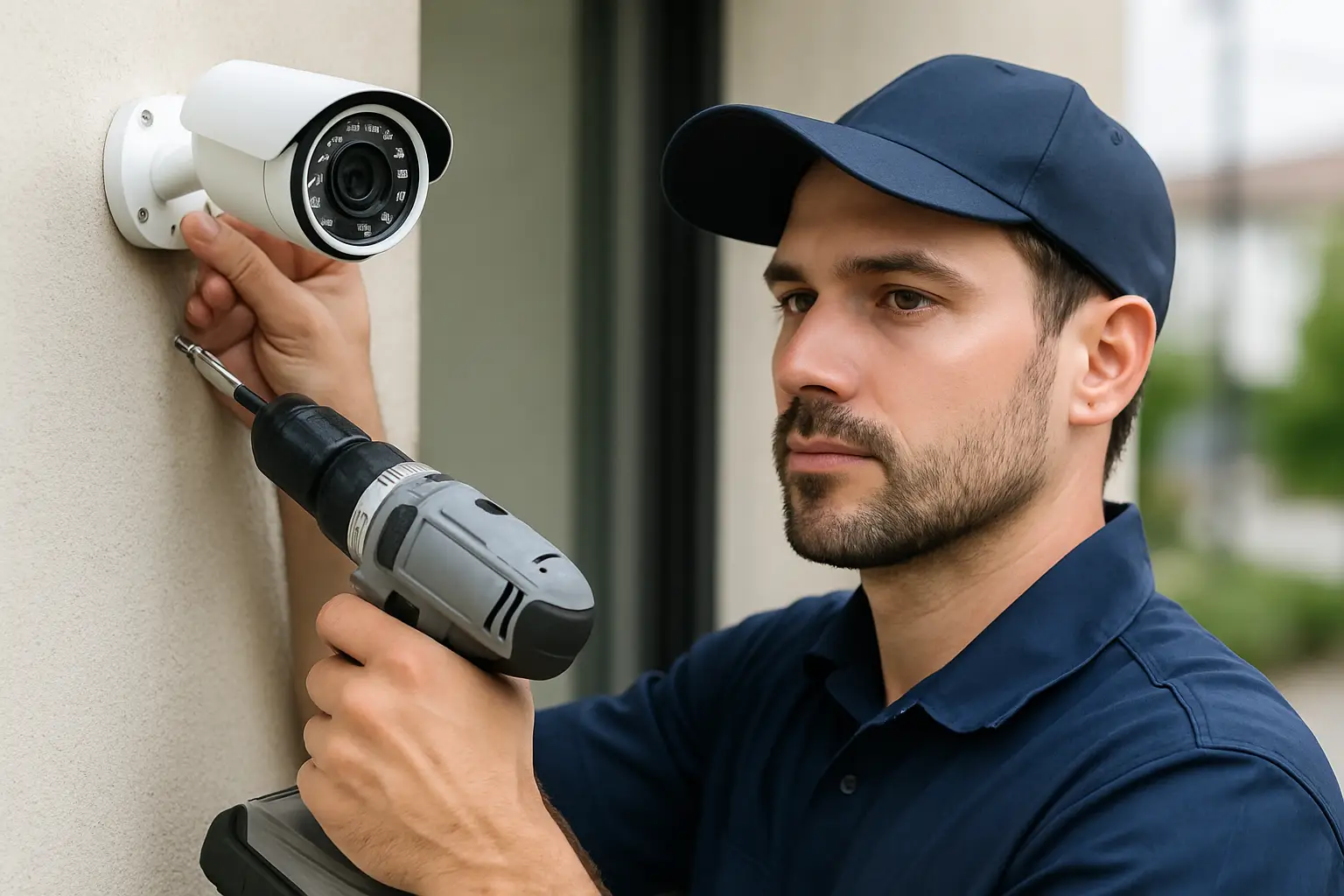
A camera that records a clear face at the front door is useful. A camera that records a clear face and is actually pointed at the right angle, at the right height, with glare controlled, with stable power, and with footage that’s easy to pull when you need it - that’s the difference a professional install is supposed to make.
Most people don’t call for help because they can’t mount a camera. They call because they want the system to work on the worst day: after a break-in, during a tenant dispute, when a delivery “wasn’t delivered,” or when a late-night incident happens in a dark corner of the lot. Professional security camera installation services exist to remove the guesswork that causes blind spots, messy wiring, dead hard drives, and apps no one can figure out.
When professional security camera installation services matter most
If your goal is deterrence, almost any camera can help. If your goal is reliable identification and usable evidence, the installation details matter as much as the camera model.
For homeowners, common pain points are package theft, prowlers checking car doors, and side-yard access. The tricky part is that the best coverage often isn’t where you first assume it should be. A wide view from the eave might show the whole driveway, but a dedicated angle that captures faces at the walkway is usually what you want when you’re trying to identify someone.
For businesses and property managers, the stakes are higher and the environments are less forgiving. Parking lots need consistent nighttime performance. Interior cameras must respect privacy expectations while still protecting assets. Multi-tenant sites need coverage that aligns with responsibility lines and avoids pointing into private units.
A professional install is most valuable when any of these are true: you need full-perimeter coverage, you have long cable runs, you want 4K detail, you need a central NVR recorder, you want clean, hidden wiring, or you want a system you can actually operate without becoming your own IT department.
Designing coverage around your property, not a “camera count”
A common mistake in camera shopping is starting with “How many cameras do I need?” The better starting point is “What do I need to see, and what decisions will I make with the footage?”
That question changes everything. A front-yard camera meant to spot movement can sit higher and wider. A camera meant to identify faces should be positioned lower, closer, and aimed to avoid capturing the top of someone’s head. A cash-handling area needs a different angle than a general lobby view. A loading dock often needs a view that includes both the dock door and the approach path, not just the door.
Good installers map camera placement to real-world paths: how someone walks up to a door, where a car enters, where a side gate actually gets used, where employees step out for breaks, where vandals tend to hide. That’s how you reduce blind spots without simply adding more cameras.
The trade-off: fewer cameras, better placement
It depends on the property, but many sites benefit more from smarter positioning than from adding two extra cameras. More cameras can also mean more cables, more configuration, more storage demand, and more things to maintain. The right answer is the simplest system that still captures what you truly need.
Why 4K cameras change the conversation
4K isn’t just a marketing upgrade. It affects how far you can place a camera and still get useful detail. On a home, 4K can mean the difference between “someone was in the driveway” and “that was the same person who came last week.” On a business property, it can help with plate reads in the right conditions and allow you to digitally zoom without turning faces into blurry pixels.
That said, 4K isn’t automatic success. Higher resolution can highlight bad installation choices faster. If a camera is aimed into a rising or setting sun, you’ll still get glare. If it’s mounted too high, 4K just gives you a crisp view of hats and hoodies. If your night lighting is poor, even a high-end camera can struggle.
Professional installation is where 4K makes sense: correct angles, controlled lighting where possible, and the right lens choice for each area.
NVR recording: reliability, storage, and control
Many DIY systems push cloud recording. Cloud can be convenient, but it comes with trade-offs: monthly fees, internet dependency, and limited control over retention. For many Sacramento homeowners and businesses, a local NVR (network video recorder) setup is the most reliable backbone.
An NVR records to hard drives on site, continuously if you want, and keeps footage accessible even if the internet is down. You can still use remote viewing through an app, but your recording doesn’t disappear when Wi-Fi gets spotty.
Storage planning is not one-size-fits-all
Storage depends on camera count, resolution, frames per second, compression settings, and whether you record 24/7 or only on motion. A professional installer should talk through retention goals in plain language. If you need 30 days on a 10-camera 4K system, that’s a different hard drive plan than a 4-camera home system where you only need to check the last week.
The goal is simple: when you go looking for footage, it should still be there.
Clean wiring and power: the part you’ll appreciate later
The cameras are what you see. The wiring is what makes the system dependable.
A clean install means cables are routed intentionally, protected from weather, and terminated properly. It also means the camera locations make sense for serviceability: you can access them without tearing apart your building later.
For most modern systems, Power over Ethernet (PoE) is the preferred method. It allows a single cable to carry both power and data back to the NVR. That reduces failure points compared to mixing separate power supplies across the property.
A professional will also account for the real-world layout: attic runs, exterior penetrations, conduit where needed, and keeping everything tidy in the network area. This isn’t just aesthetics. Loose cables and exposed connections are a common cause of intermittent camera outages.
Remote access that actually works (and stays working)
Remote access is one of the first things people ask for, and one of the most common reasons DIY setups get abandoned. The app is installed, notifications are noisy, passwords get lost, a phone gets replaced, and suddenly no one can see anything.
Professional security camera installation services should include a simple, secure setup process and a quick handoff that leaves you confident. That means your system is organized, cameras are clearly named, and you know how to do the basics: live view, playback, exporting clips, and managing user access.
It also means your remote access is configured in a way that’s stable and doesn’t require constant tinkering. If your system relies on a router setting that changes every time your provider updates equipment, it’s going to become a headache.
What a transparent installation process looks like
You shouldn’t feel like you’re buying a mystery box. A solid provider will walk you through the plan and the pricing before the first hole is drilled.
At a practical level, the process should include an on-site assessment, a camera layout that’s based on your goals, a clear explanation of equipment choices, and a straightforward installation day plan. You should also know what happens after: how the system will be tested, how you’ll be trained on it, and what support looks like when you have questions later.
If you’re in the Sacramento area and you want an install that’s designed around your layout with clean wiring, 4K coverage, reliable NVR recording, and ongoing help when you need it, StaySafe365 is built around that exact approach.
How to evaluate an installer before you commit
You don’t need to be a security expert to ask the right questions. You just need to focus on outcomes.
Ask how they decide placement, not just what they sell. Ask what you’ll be able to identify at each camera - faces, plates, general activity, or all three. Ask how they handle lighting challenges, especially at night. Ask what retention you’ll get and what happens if a hard drive fails.
Pay attention to how they talk about remote access and support. If the plan is “download the app and good luck,” that tells you what the relationship will feel like after the install.
It depends: DIY can work in narrow cases
If you have a small home, easy access to power, short distances, and you’re comfortable troubleshooting Wi-Fi and apps, DIY may be fine. The trade-off is that you become the installer and the support team. For many busy homeowners and business owners, that’s not a good use of time, especially when the system is supposed to reduce stress.
Getting the most value from your system after installation
The best camera system is the one you actually use. After a professional installation, a few habits make a big difference.
Check your views in daytime and at night once the system is live. Small angle adjustments can fix glare or improve face capture. Make sure key cameras are recording continuously if the area is high-risk, and use motion-based recording where it makes sense to save storage.
Most importantly, practice pulling footage before you need it. If you can export a clip in two minutes on a normal Tuesday, you won’t be scrambling on a bad day.
A camera system shouldn’t feel like a complicated tech project you inherited. It should feel like a quiet layer of protection that’s ready when you are - and easy enough that you don’t hesitate to use it.