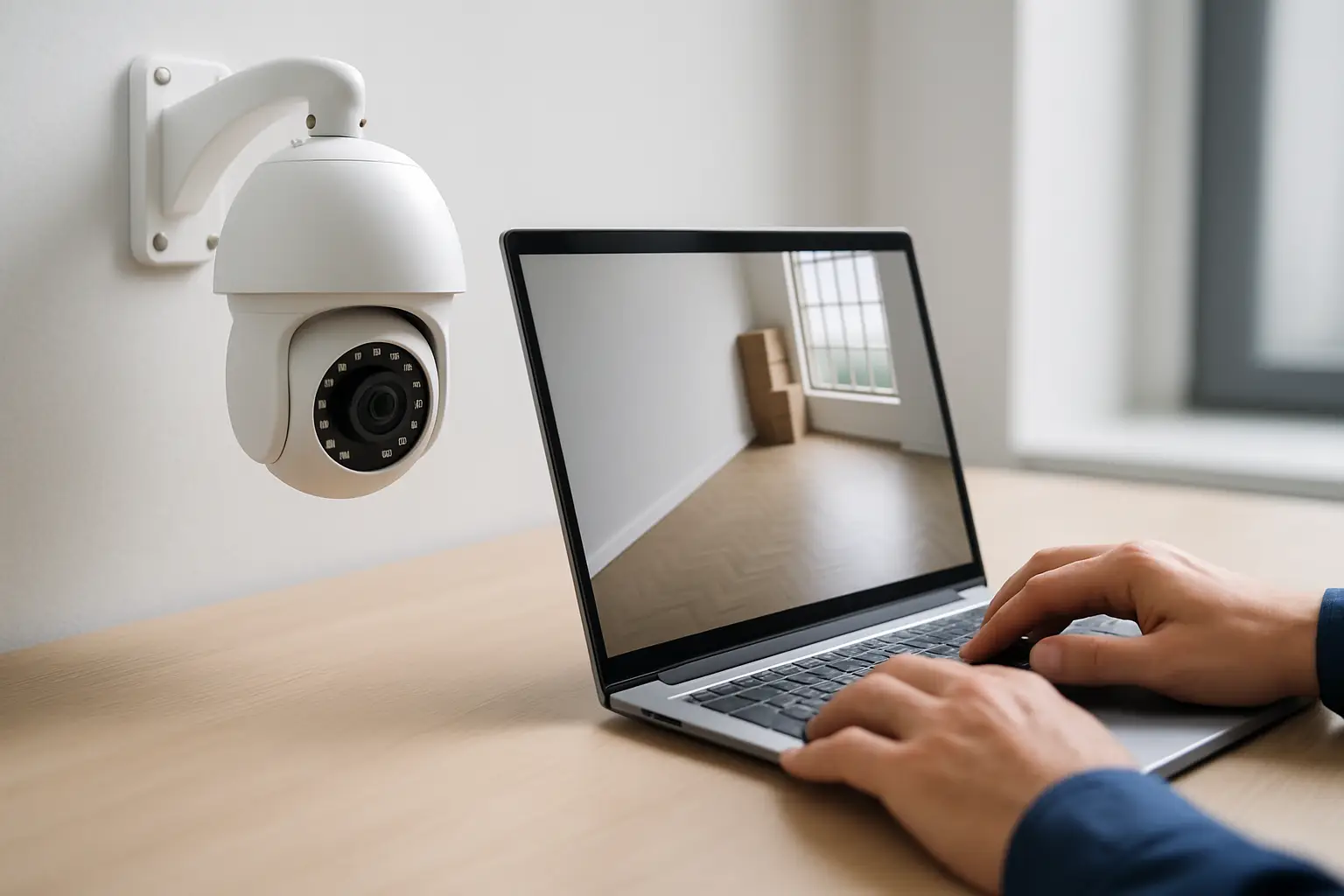
You are not installing cameras just to collect footage after something goes wrong. You are installing them so you can check a door after hours, verify a delivery, see why a motion alert fired, or confirm your building is secure without driving across Sacramento.
That is the real promise of remote access security camera systems: practical visibility when you are not on-site. The trick is getting remote access that is fast, stable, and secure - without turning your network into a science project.
What “remote access” really means
Remote access is the ability to view live video and recordings from your phone, tablet, or computer when you are away from the property. A good setup also lets you search playback by time, filter by motion events, export clips, and manage basic system settings.
Most modern systems do this through a mobile app connected to a recorder (usually an NVR) or a camera platform. If your internet goes down, your system should keep recording locally, and remote access should simply resume once the connection returns.
The important distinction is this: remote viewing is only as good as your local system design. If cameras are placed poorly, the recorder is underpowered, or your network is unstable, the app cannot fix that.
Two common architectures (and why it matters)
There are plenty of camera brands and apps, but most installations fall into two buckets.
NVR-based systems (typical for higher reliability)
With an NVR, cameras record to a dedicated recorder on-site. Remote access connects you back to the NVR so you can view live streams and pull up recordings.
This approach is popular for homes that want dependable recording and for businesses that need multiple cameras, longer retention, and easy playback. It is also easier to keep consistent when you expand, because the NVR is designed to manage many streams.
Cloud-first or “camera-to-app” systems (simpler, with trade-offs)
Some systems send video directly to the cloud and you primarily interact through the app. These can be convenient for small setups, but they rely heavily on internet upload speed and ongoing subscriptions. If your connection is weak, you may see choppy playback, delayed notifications, or gaps in recordings.
It depends on your goals. If you need 24/7 recording, multiple cameras, and straightforward retrieval for incidents, an NVR tends to be the more predictable foundation.
What makes remote access actually work day-to-day
Remote viewing sounds simple until you are trying to load footage during a real situation. These are the factors that usually decide whether you get a clear answer quickly or you end up staring at a spinning loading icon.
Upload speed matters more than download speed
At your property, the internet upload speed controls how well video can stream out to your phone. Many people test internet and only notice the download number. For camera systems, upload is the limiter.
If you have multiple 4K cameras, you generally do not stream full 4K to your phone all day. Most systems use “substreams” for remote viewing - a lighter, lower-bitrate stream that loads quickly on mobile. That is a good thing. You want remote access to be responsive first, and high resolution available when you pull footage locally or export a clip.
Substreams and encoding settings are not optional
If substreams are not configured correctly, remote viewing can feel broken even when the cameras are great. On an NVR-based system, you typically want the main stream optimized for recording quality and the substream optimized for smooth remote viewing.
A common mistake is cranking every setting to max and assuming that equals better security. Higher bitrate can improve detail, but it also increases storage use and network load. The right balance depends on camera placement, lighting, and how far you need to identify faces or license plates.
Your network can make or break the experience
Remote access relies on a stable local network. That includes proper cabling, a healthy PoE switch (if used), and a router that is not overwhelmed.
In small businesses, we often see camera traffic competing with POS systems, guest Wi-Fi, and office devices. VLANs or basic network segmentation can help, but even without advanced networking, a clean layout and quality hardware go a long way.
Recorder quality matters as much as camera quality
People get excited about “4K cameras” and forget the recorder. An underpowered NVR can struggle with decoding multiple streams for live view, quick scrubbing through playback, and serving video to remote users.
If you want remote access that feels instant, the recorder’s capabilities should match the number of cameras, resolution, and how many people may log in at once.
Remote access security camera systems and security risks
Any device you can reach remotely is something you should protect. The good news is that a professionally designed system can be both convenient and secure. The bad news is that sloppy setup can create easy openings.
Here is what actually moves the needle.
Strong credentials and clean user management
Default passwords are still one of the most common reasons systems get compromised. Every system should have:
- A unique admin password that is long and not reused
- Individual user accounts (so you are not sharing one login)
- Limited permissions for staff who only need live view
If an employee leaves or a vendor no longer needs access, you want to remove their user account instead of changing a shared password and hoping everyone updates.
Two-factor authentication (2FA) when available
If your system’s app supports 2FA, turn it on. It reduces the risk that a stolen password becomes a full compromise.
Firmware updates without guesswork
Cameras and NVRs are computers. They need occasional updates for security patches and bug fixes. The trade-off is that random updating can also introduce changes you did not expect.
A practical approach is to update on a schedule, confirm compatibility, and avoid doing it right before travel or a busy season for your business.
Avoid “open ports” unless you truly need them
Some DIY instructions push port forwarding so you can access your system remotely. In many cases, you can use the manufacturer’s secure relay method (often called P2P) or a VPN approach instead.
Port forwarding can work, but it requires careful configuration and ongoing vigilance. For most homeowners and many small businesses, it is not the first choice.
Choosing features that help in real situations
Most buyers are deciding between a few big promises: higher resolution, smarter alerts, better night vision, and easier mobile access. The best mix depends on what you are protecting.
4K video: great, but placement still wins
4K helps when you need detail, but it cannot fix a camera aimed too high, backlit by headlights, or installed where faces are always in shadow. For a home, a front entry camera should be positioned to capture faces at a natural height. For a business, you may need dedicated coverage for cash handling areas, stock rooms, and customer entrances.
Night performance is about lighting, not just specs
Infrared night vision is useful, but pitch-black areas can still produce flat, low-detail images. If you want reliable identification at night, consider adding lighting where it makes sense. Even modest exterior lighting can improve clarity dramatically.
Smart motion alerts: helpful when tuned, annoying when not
Motion alerts are only valuable if they are relevant. Trees, street traffic, and shadows can create constant notifications.
A good system lets you adjust sensitivity, set detection zones, and schedule alerts. For businesses, schedules matter a lot - you may want alerts after hours, not during the workday when normal movement is expected.
Storage retention: match it to your reality
How many days of footage do you want? Seven days may be fine for a small home system. A business may want 14-30 days depending on incident reporting timelines and operational needs.
Retention depends on camera count, resolution, frame rate, compression, and whether you record continuously or only on motion. This is one area where a quick estimate during planning prevents disappointment later.
A practical setup path that avoids common regrets
Most frustrations with remote access come from rushing the design. The cleanest installs start with the property, not the product box.
First, define what “success” looks like: identify faces at the front door, monitor a side gate, verify closing procedures, watch a loading area, or document incidents in a parking lot. Then map camera coverage around those goals.
Next, choose the right recording approach. If you want reliable 24/7 recording and easy playback, plan around an NVR and wired cameras. Wi-Fi cameras can be fine for specific locations, but they are more sensitive to signal issues and power constraints.
Then, set expectations for remote viewing. You want fast access to live view and quick retrieval of key moments. That usually means configuring substreams properly and making sure your internet upload speed is adequate.
Finally, treat security settings as part of the install, not an afterthought. Unique passwords, limited users, and 2FA take minutes to implement and can prevent major headaches.
If you would rather have that planning and configuration handled start-to-finish, StaySafe365 designs and installs custom camera systems in the Sacramento area with clean wiring, reliable NVR setups, and ongoing support so you are not left guessing when you need footage.
What to expect after installation
Remote access should feel boring in the best way. You open the app, it loads quickly, and you can answer the question you came for.
Expect a short learning curve, especially for playback tools. Most people get comfortable after they use it a few times in real life - checking a package delivery, verifying who opened a door, or reviewing an alert.
It is also normal to make small adjustments after living with the system. You might tighten a motion zone, change an alert schedule, or slightly reposition a camera once you see how headlights hit the lens at night. A good setup is not fragile. It should handle these refinements without turning into a weekend project.
The best remote access security camera systems do not just let you look at video from anywhere. They let you make a decision quickly, with confidence, and then get back to your day.