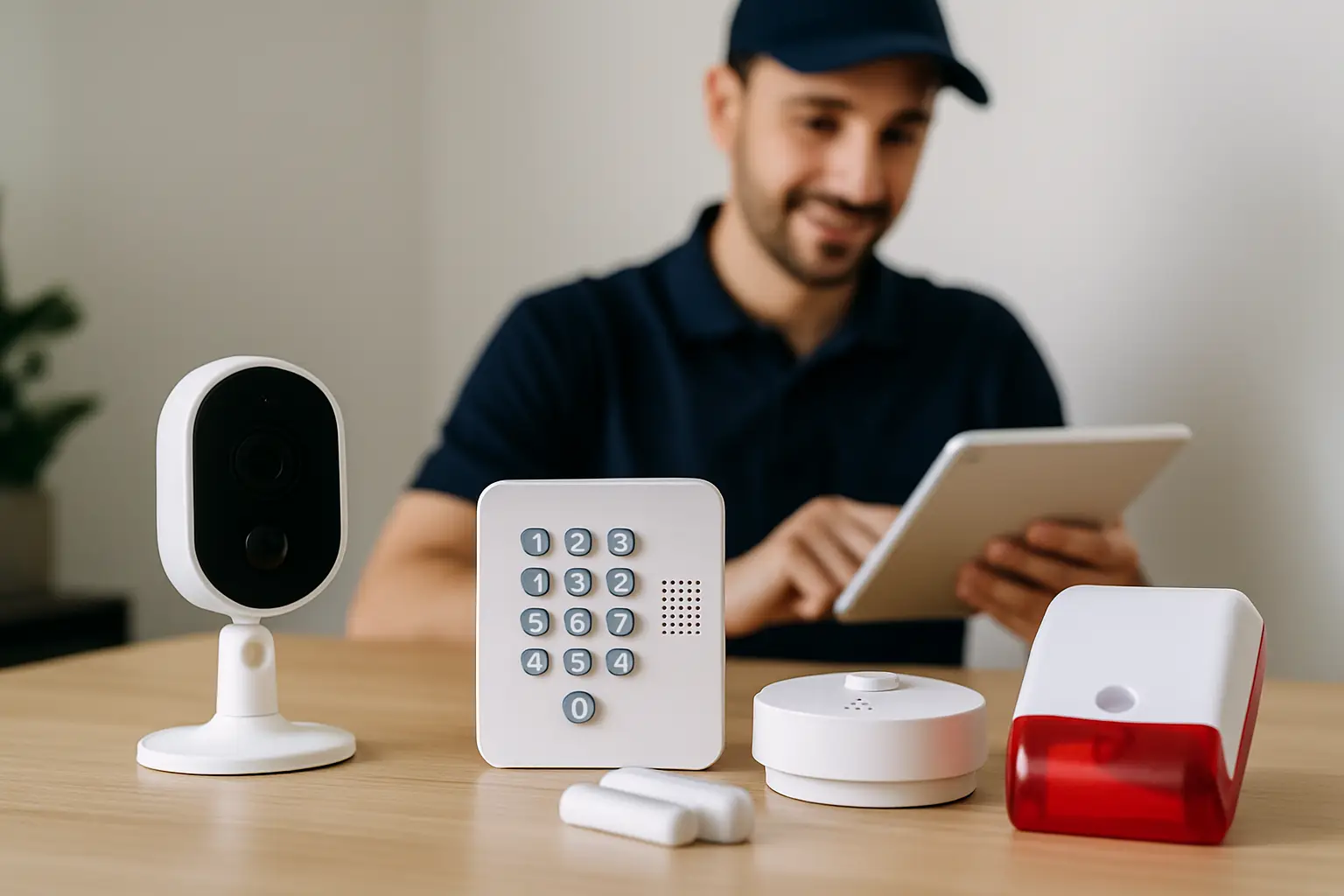
A lot of people start shopping for security cameras after something happens: a vehicle gets rummaged through, a business has a break-in attempt, or a tenant reports repeated vandalism. The next question is usually the same: “Do I just buy a kit, or do I need a full installation package?”
If you’re comparing options in Sacramento, the phrase “comprehensive security installation packages” can sound like marketing. But it’s actually a useful concept when it’s done right. A real package is not just boxes of equipment. It’s a complete plan for coverage, clean installation, reliable recording, and the support you need to actually use the system day to day.
What “comprehensive” should really mean
A security system is only as good as its weakest point. Sometimes that’s the camera resolution. More often, it’s a blind spot, a sloppy cable run, poor night performance, or an NVR setup that nobody knows how to log into.
A comprehensive package should address the whole chain from design to long-term use. That includes the layout of the property, the right mix of cameras, how footage is stored, how you access it remotely, and what happens when you need help later. If a package skips any of those, you’re not getting a full solution - you’re getting hardware with a side of installation.
The core components inside comprehensive security installation packages
Most packages have the same big building blocks, but quality and execution vary wildly. Here’s what should be included, and why each piece matters.
A site walk and coverage plan (not a guess)
Every property has its own trouble spots: side gates, dark driveways, alley access, loading bays, employee entrances, dumpster areas, or shared corridors. A comprehensive package starts with mapping these out and deciding what you actually need to capture.
This is where trade-offs come in. You can cover more area with fewer cameras if you accept less facial detail. Or you can aim for identification at key choke points (like entry doors and drive lanes) and use wider views for general awareness. A good plan also considers height, glare from the sun, porch lights washing out the image, and whether trees or seasonal landscaping will block a view later.
Camera selection based on location
“4K cameras” gets attention, and for good reason: higher resolution gives you more usable detail. But camera choice should be driven by the scene.
For example, a driveway camera may need strong night performance and glare control for headlights. A front door camera may need better angle management to avoid capturing a bright sky while losing the face in shadow. A warehouse or parking lot might need a mix of wide coverage and tighter shots.
A comprehensive package should specify camera types and placements, not just a count. If the plan says “8 cameras” but doesn’t explain what each one is intended to capture, you’re likely to end up with footage that’s technically “recorded” but not helpful.
Professional cabling and clean installation
This is the part people don’t think about until they see it done poorly. Cable routing affects reliability, appearance, and long-term maintenance.
A proper installation includes safe routing through attics, crawl spaces, and exterior runs where needed, plus weather protection, correct terminations, and thoughtful placement of junction points. Clean work matters for homeowners who don’t want exposed wires under eaves, and it matters for businesses where messy cabling can become a liability.
If a building is difficult to wire, that doesn’t automatically mean you should switch to Wi-Fi cameras. Wired systems are usually the most stable choice. The “it depends” is whether your layout makes wiring realistic without major construction, and whether you’re okay with potential trade-offs in reliability if you go wireless.
NVR recording that fits how you actually operate
An NVR (network video recorder) is the heart of many professional systems. It’s where cameras record, where storage lives, and where your timeline playback happens.
A comprehensive package should include:
- Correct NVR sizing for the number of cameras and the recording quality you want
- Storage sized for your retention goal (like 7 days, 14 days, or 30 days)
- Settings configured so you’re not accidentally recording at a lower resolution than you paid for
Retention is a common surprise. If you want 4K recording on multiple cameras, storage requirements climb quickly. You can balance this by choosing continuous recording for critical angles and motion-based recording for low-risk areas, or by adjusting frame rate where it won’t hurt your use case.
Remote access that’s set up and tested
Remote viewing is one of the biggest reasons people upgrade, and also one of the biggest sources of frustration when it’s not configured carefully.
A comprehensive package should include setup on your phone and, if needed, a desktop view for managers or owners. It should also include basic coaching: how to pull clips, how to export footage, and how to share video when law enforcement or an insurance adjuster asks.
Remote access also depends on your network. If your internet is unstable or your router is outdated, your cameras might still record perfectly to the NVR but feel “laggy” on the app. A good installer will factor this in instead of blaming the camera.
The handoff: training, documentation, and support
A system that you can’t confidently use is not doing its job. Comprehensive packages should include a clear walkthrough after installation.
That means showing you how to:
- View live video and switch between cameras
- Search by time and events
- Export clips in the format you’ll actually need
- Change user permissions for staff, tenants, or family members
Ongoing support matters too. Sometimes you just need a quick reset after an internet provider changes equipment. Sometimes you need to add a camera later because a new gate is installed. A comprehensive package should make it easy to get help without starting from scratch.
How pricing usually works (and what to ask)
Security pricing can feel confusing because it’s part equipment, part labor, part design, and part future-proofing. Two “8-camera packages” can be priced far apart for legitimate reasons.
The biggest cost drivers are camera quality, cabling complexity, NVR and storage size, and how much time the installation takes. A two-story home with tight attic access is different from a single-story building with open ceiling tiles. A retail shop with a simple layout is different from a multi-tenant property where cable paths are limited.
When you’re comparing quotes, ask for clarity on what’s included. Are camera locations pre-defined or customized? Is the NVR storage sized to your retention goal? Is remote access setup included? Will they label cables and organize the install so it’s maintainable later?
Transparent pricing is a good sign. Vague package pricing with lots of “we’ll figure it out later” often turns into change orders or a system that doesn’t match what you thought you were buying.
Choosing the right package for a home vs a business
Homes and businesses often need different priorities, even if they use similar equipment.
A homeowner might care most about front-door identification, driveway coverage, side-yard access, and simple mobile viewing. They may want fewer cameras, placed with intent, and they usually want the install to disappear into the structure.
A business owner or property manager often needs broader coverage, longer retention, and user permissions. They might need cameras positioned for point-of-sale disputes, employee entrances, back doors, and inventory areas. They may also need footage that stands up to scrutiny when an incident becomes a police report or insurance claim.
For multi-site businesses, consistency matters. Standardizing camera views and NVR settings can save time later when different managers need the same type of footage pull.
Common mistakes that “packages” can hide
The word “package” can be used to simplify decisions, but it can also hide shortcuts. The most common issues we see are blind spots caused by one-size-fits-all layouts, storage that only holds a few days when you expected weeks, and cameras mounted too high or at the wrong angle to capture usable faces.
Another quiet problem is poor lighting assumptions. If your entryway looks bright to your eyes, it can still be a difficult scene for a camera at night. A comprehensive plan accounts for that upfront, sometimes by adjusting placement, choosing a camera better suited to the scene, or adding lighting where it makes sense.
What “done right” looks like in Sacramento
Sacramento properties have their own patterns: strong summer sun that can create harsh contrast, older homes with tricky attic routing, and businesses that range from modern commercial parks to mixed-use buildings with limitations on where equipment can go.
Comprehensive security installation packages should account for these realities, not fight them. The goal is coverage that feels natural to your property: cameras placed where they capture what matters, recording that you can count on, and an install that doesn’t create new headaches.
If you want a local team that designs systems around the actual layout and then takes the time to make sure you’re comfortable using it, StaySafe365 is built around that hands-on approach.
A helpful way to think about your next step is simple: don’t shop for a camera count - shop for outcomes. When you know what you need to see, how long you need to keep it, and who needs access, the right package becomes obvious, and the system you end up with will feel like it belongs on your property, not like it was bolted on as an afterthought.